傳單範本
Find a flyer design for your business, event, party, or local promotion. Choose an example, add your headline, date, offer, and contact details, then generate your own flyer with AI.
Find a flyer design for your business, event, party, or local promotion. Choose an example, add your headline, date, offer, and contact details, then generate your own flyer with AI.
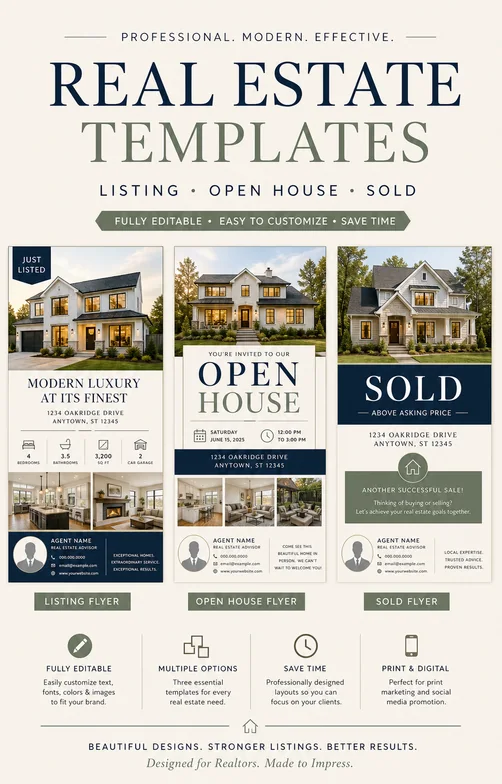
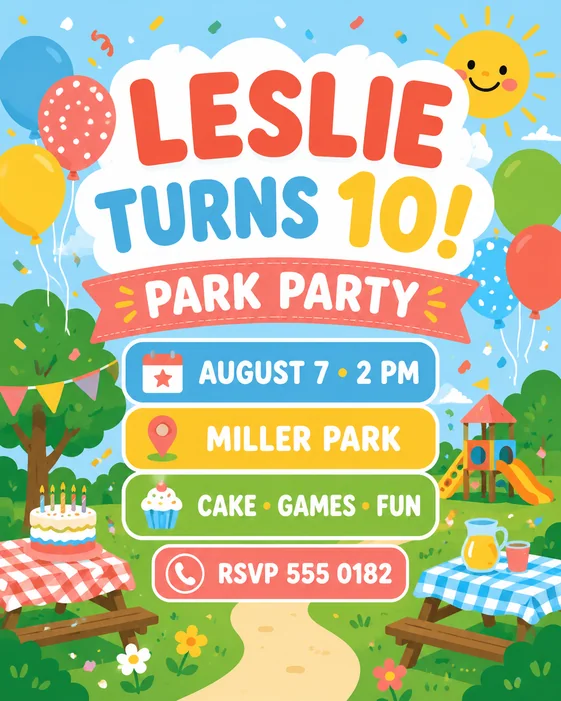
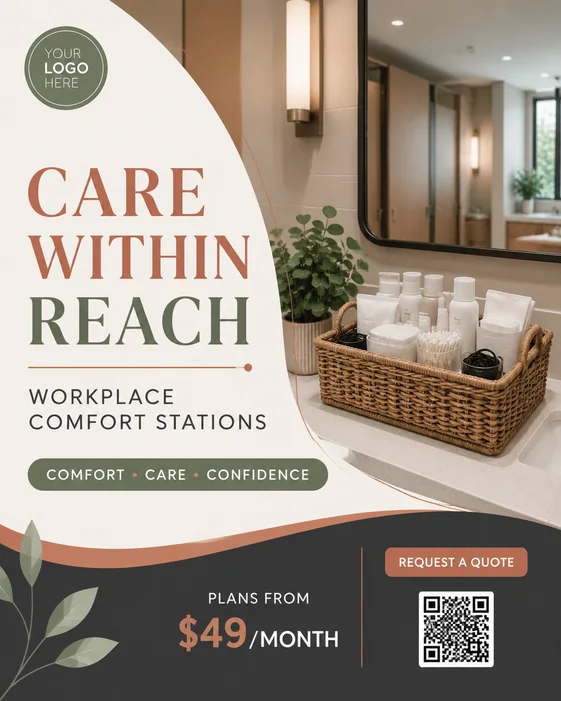
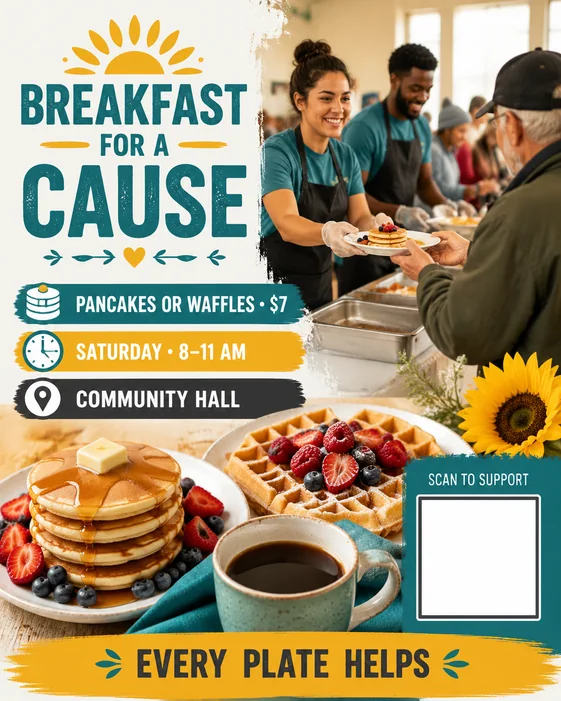
Start with a flyer template that matches your goal, then replace the sample details before generating. Each template gives the AI flyer maker a prompt and visual starting point; the result is a new image you can revise through chat.
需要快速開始製作派對、活動、在地商家優惠、學校募款、運動報名、房源、促銷或社區公告時,可使用傳單範本。每個範例都會以結構化提示詞開啟,而非固定版面。
Replace the sample headline, date, venue, price, phone number, website, and RSVP details. Add your photo or logo if needed. Choose a portrait flyer, square post, or Story format, and check the final dimensions with your printer if you plan to print.
These are AI prompt-based templates, not downloadable Word or layered PSD files. Edit the generated flyer online by describing changes in chat. Free-trial downloads include a watermark; eligible paid downloads remove it. Review the text and layout before sharing.