
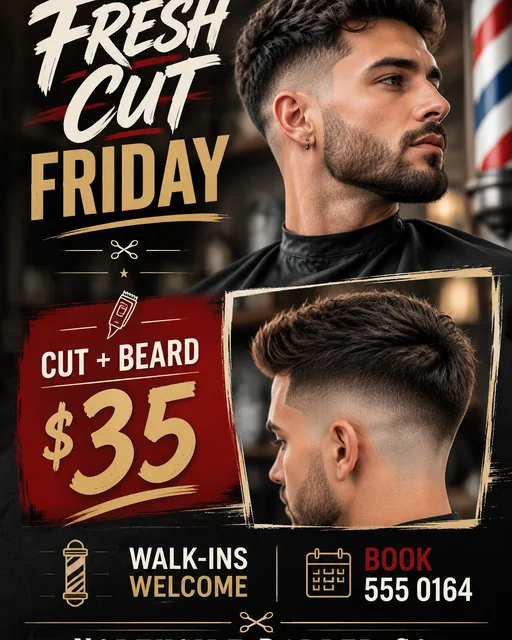
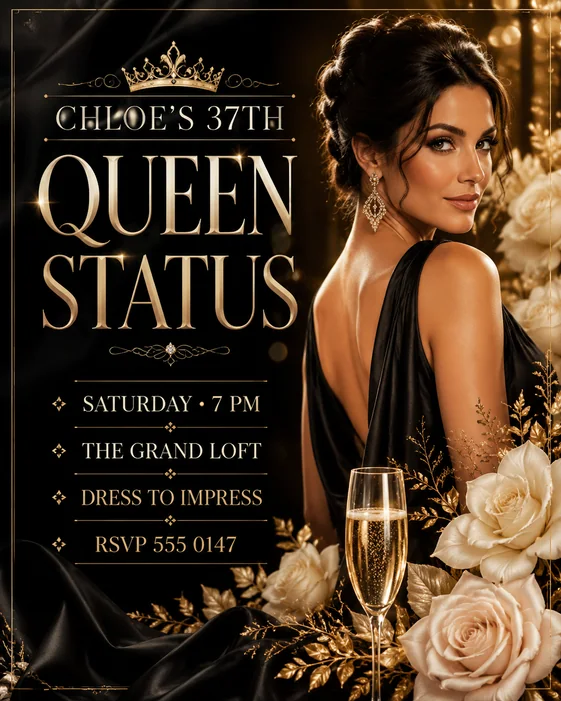
Business flyer
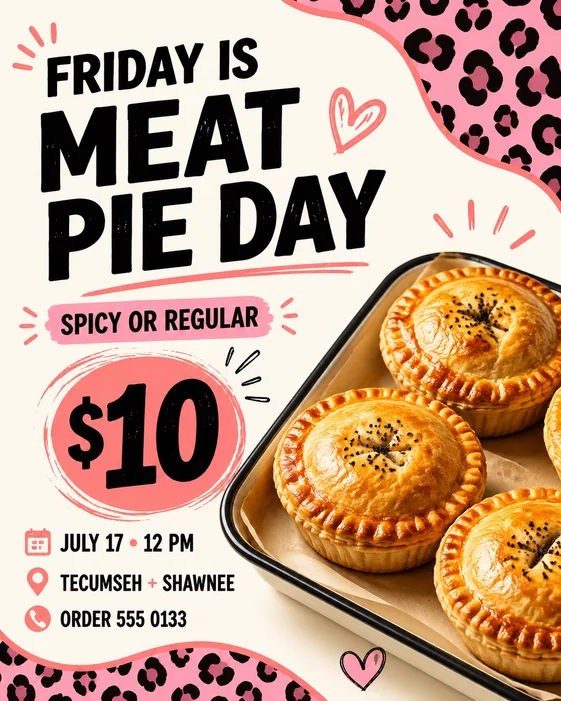
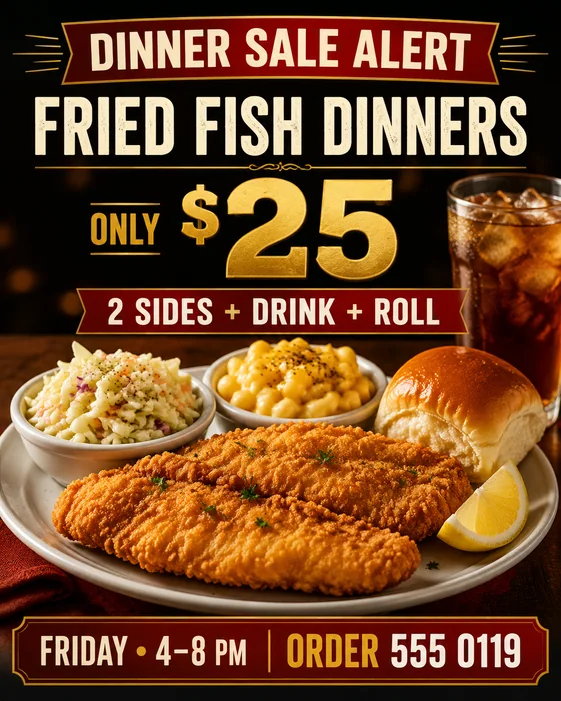
Dinner Sale
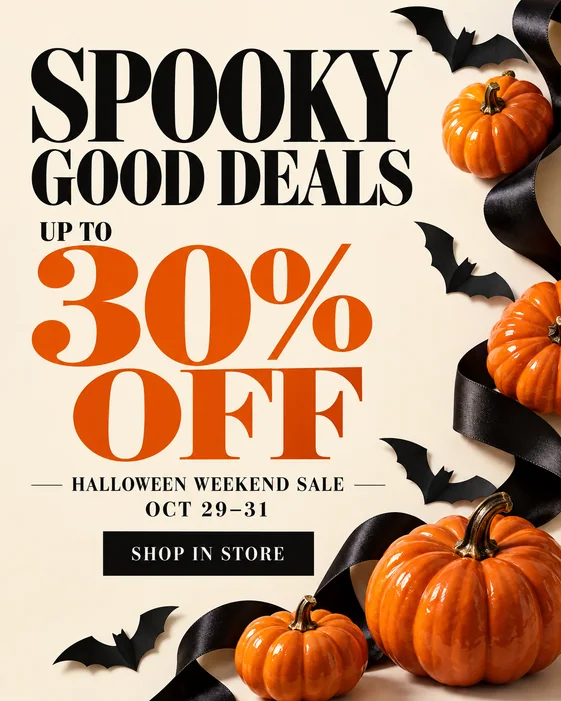
Lead with your food, make the offer easy to scan, and give customers a clear way to order.
See prompt & stepsFind a flyer design for your business, event, party, or local promotion. Choose an example, add your headline, date, offer, and contact details, then generate your own flyer with AI.
Explore three existing template designs, see their starting prompts, and learn which details to replace for your own business, event, or party.
Lead with your food, make the offer easy to scan, and give customers a clear way to order.
See prompt & steps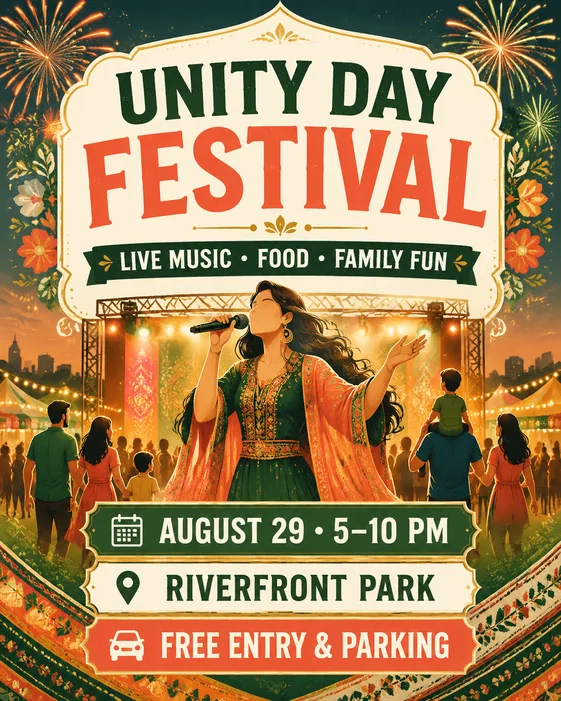
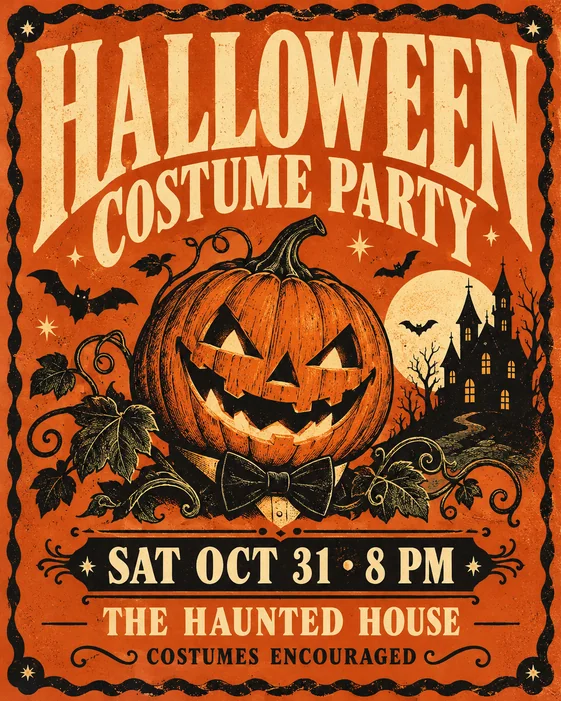
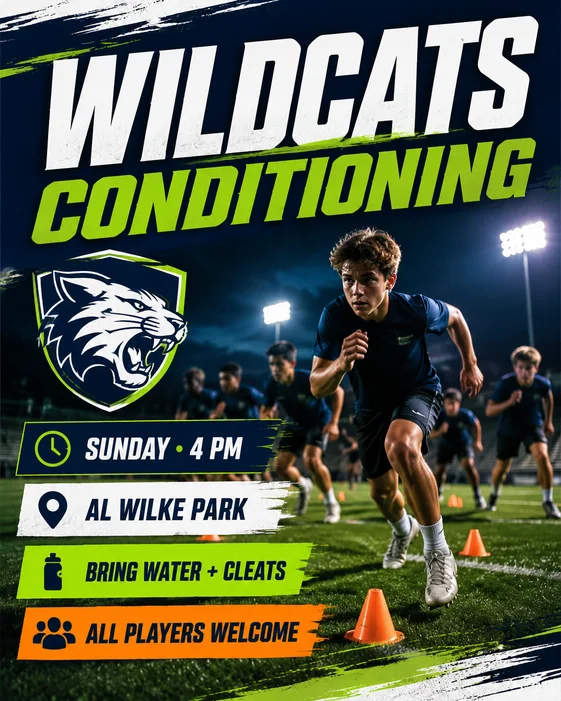
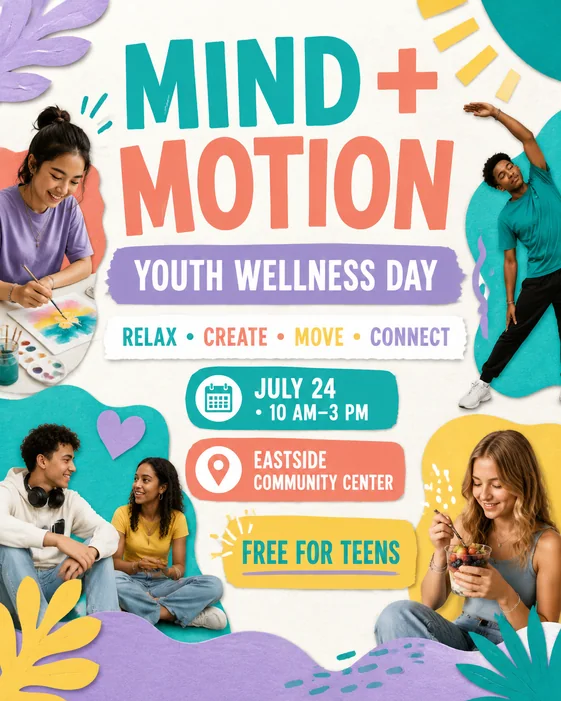
Introduce the event, highlight the activities, and keep the date and venue together.
See prompt & steps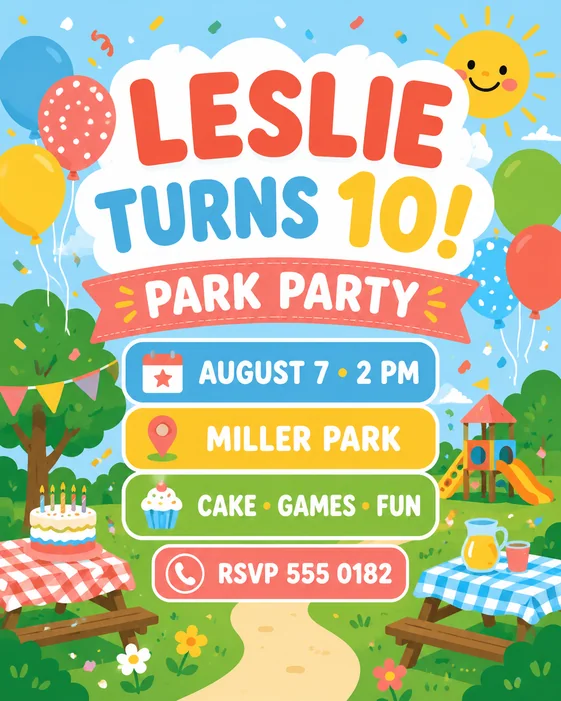
Start with the birthday headline, then make the party location and RSVP details easy for parents to find.
See prompt & stepsStart with a flyer template that matches your goal, then replace the sample details before generating. Each template gives the AI flyer maker a prompt and visual starting point; the result is a new image you can revise through chat.
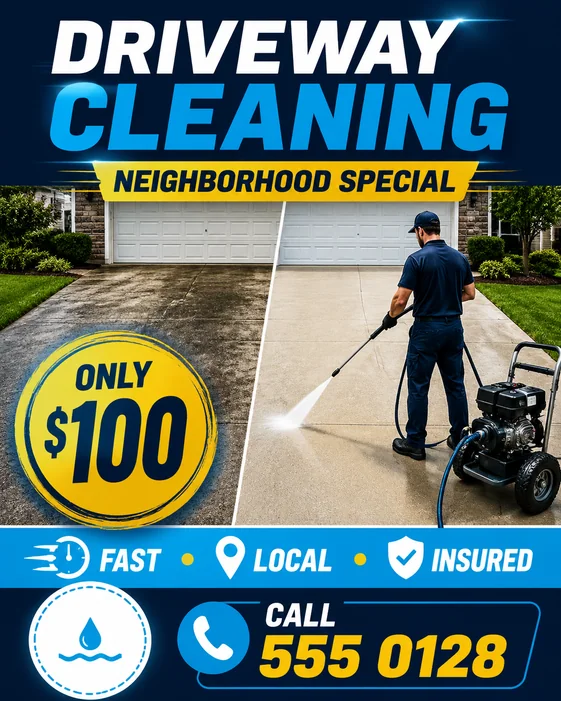
Use a flyer template when you need a fast starting point for a party, event, local business offer, school fundraiser, sports registration, property listing, sale, or community announcement. Each example opens as a structured prompt instead of a fixed layout.
Replace the sample headline, date, venue, price, phone number, website, and RSVP details. Add your photo or logo if needed. Choose a portrait flyer, square post, or Story format, and check the final dimensions with your printer if you plan to print.
These are AI prompt-based templates, not downloadable Word or layered PSD files. Edit the generated flyer online by describing changes in chat. Free-trial downloads include a watermark; eligible paid downloads remove it. Review the text and layout before sharing.