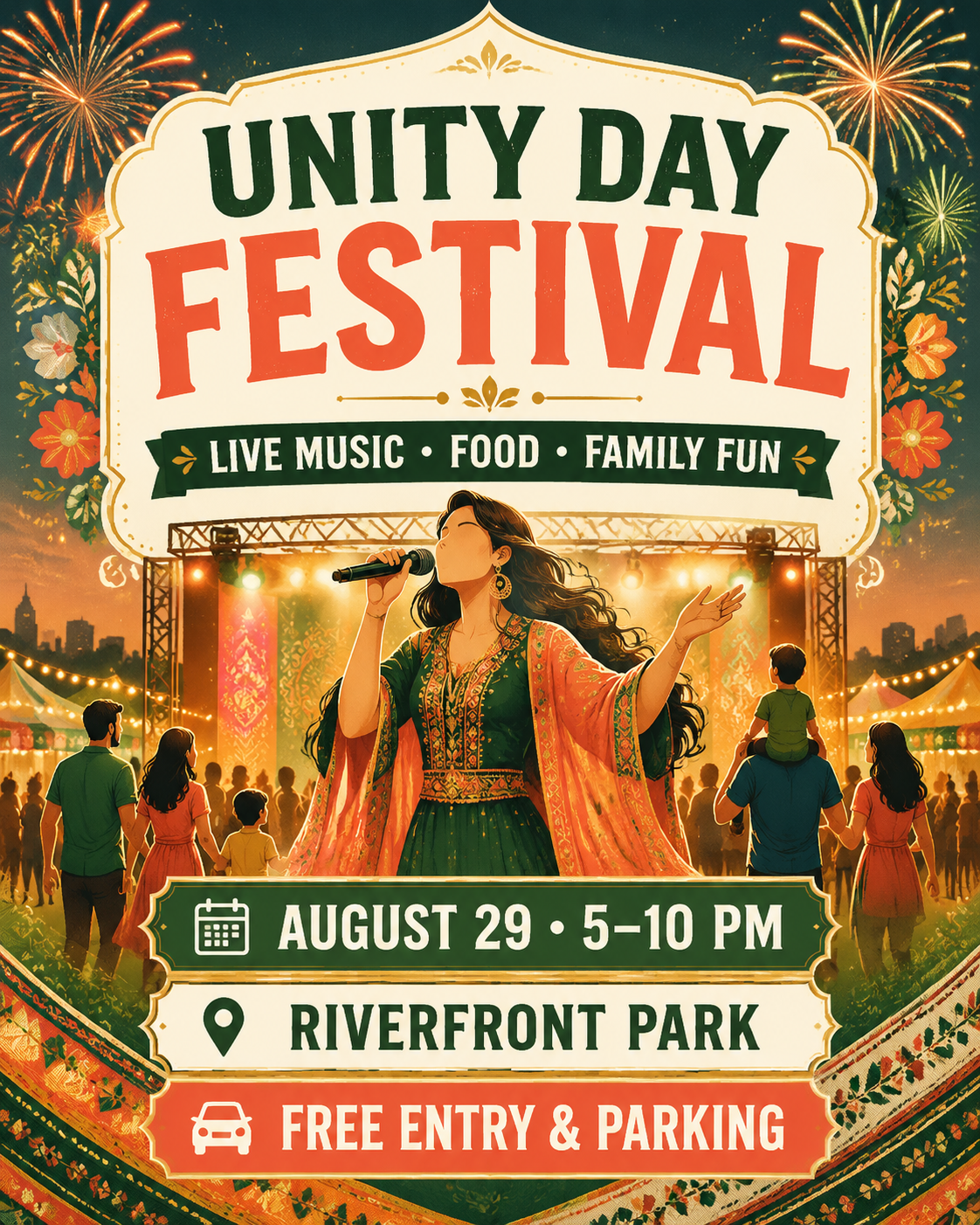
Use Cultural Festival as a starting point for your own flyer. This is an AI design reference, not a downloadable Word or layered PSD file.
Event flyer: what to customize
Introduce the event, highlight the activities, and keep the date and venue together.
Festival name and activities
Event date, time, and venue
Admission, parking, and organizer details
The image above is an existing template example, not a customer campaign or a before-and-after edit. Sample names, dates, prices, and contacts need to be replaced.
Add your details. Replace the sample headline and copy with your business name, event date, location, offer, contact details, and call to action as needed.
Generate your flyer. Open the template in the AI flyer generator, review the starting prompt, and add your own photo or logo if needed.
Refine and review. Request text, color, or layout changes in chat. Check spelling, dates, prices, and contact information before downloading or printing.
AI flyer prompt for this design
Use this prompt as a starting point and replace any sample details with your own:
This opens the prompt in your flyer workspace for review. It does not start generation automatically. The prompt describes the design; your result may differ from the example.
After generating: try a revision
Suggested next step, not an edit already applied to the example. Copy this instruction into the same conversation after generating your flyer:
AI revisions generate a new image rather than editing individual layers. Free-trial downloads include a watermark; eligible paid downloads can remove it.