

Describe the flyer you want to create
Write a flyer prompt with your headline, date, venue, offer, and style. Start from text or add a photo or logo to guide the design.
Start for FreeMake a flyer that gets noticed.
Create a flyer online with our AI flyer generator. Describe your idea, add a photo or logo, and refine your design in chat. Free to try.
Write a flyer prompt with your headline, date, venue, offer, and style. Start from text or add a photo or logo to guide the design.
Start for FreeThe flyer generator turns your brief into a visual draft. Review the headline, event details, images, and call to action before making changes.
Start for Free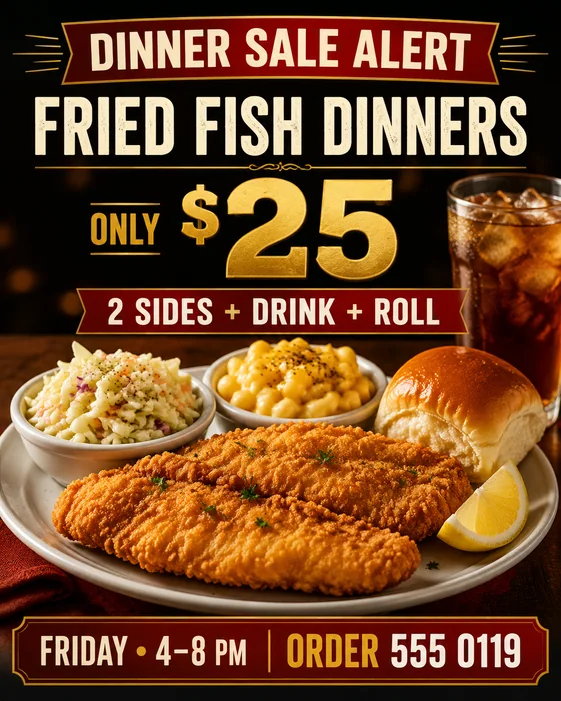 Make the offer larger and change the date to Friday
Ask for a new date, larger headline, different colors, or a revised layout. Check the final text, then download your flyer. Free downloads include a watermark; eligible paid downloads remove it.
Start for FreeUse one online flyer maker for business promotions, event announcements, property listings, and parties.
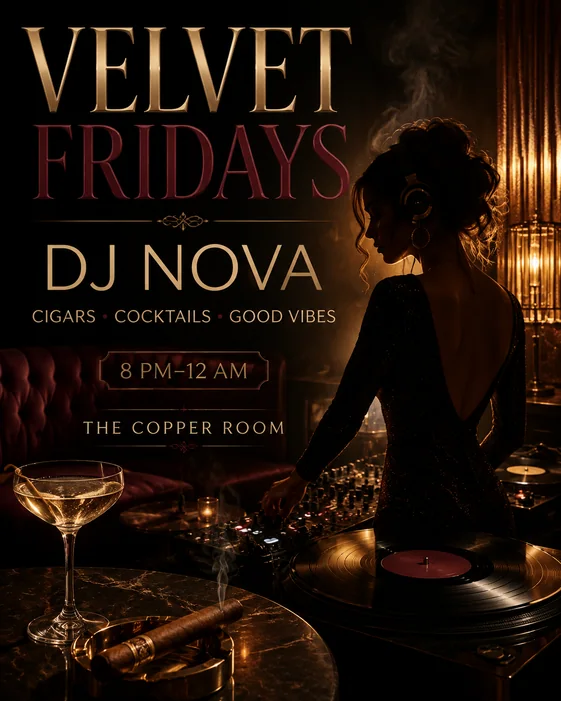
Create an event flyer with your headline, date, venue, and RSVP details for a concert, fundraiser, class, or opening.
Try it now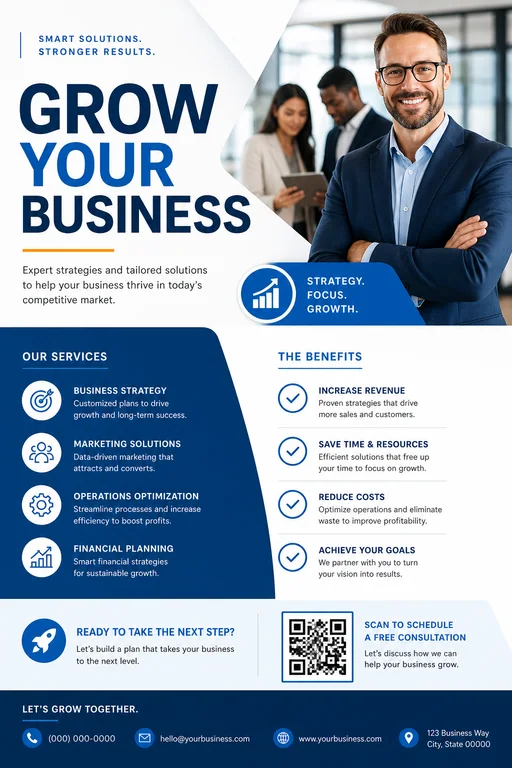
Make a flyer for your business with your offer, prices, contact details, and logo. Promote local services, sales, or a new opening.
Try it now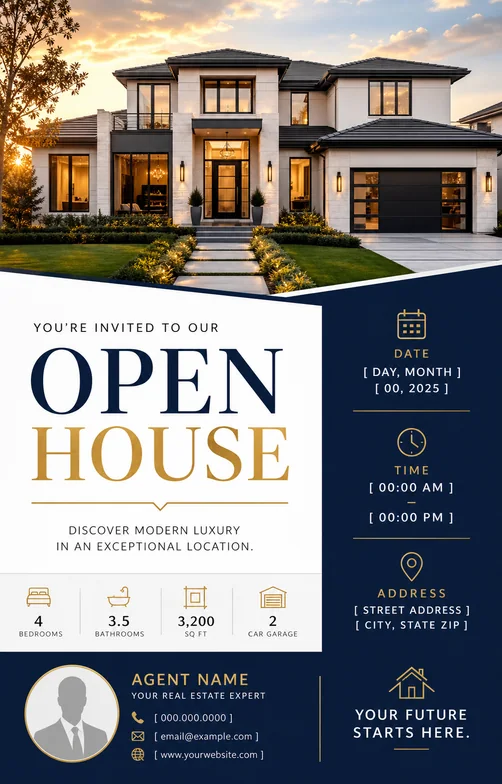
Build listing, open house, just sold, and agent promotion flyers from your property details.
Try it nowFind a flyer design idea for your business, event, or party. Start from a template prompt and make it your own with AI.
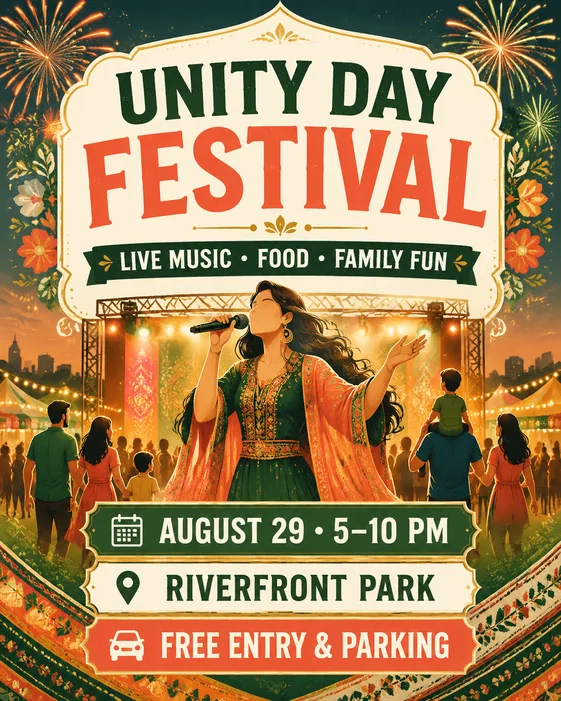
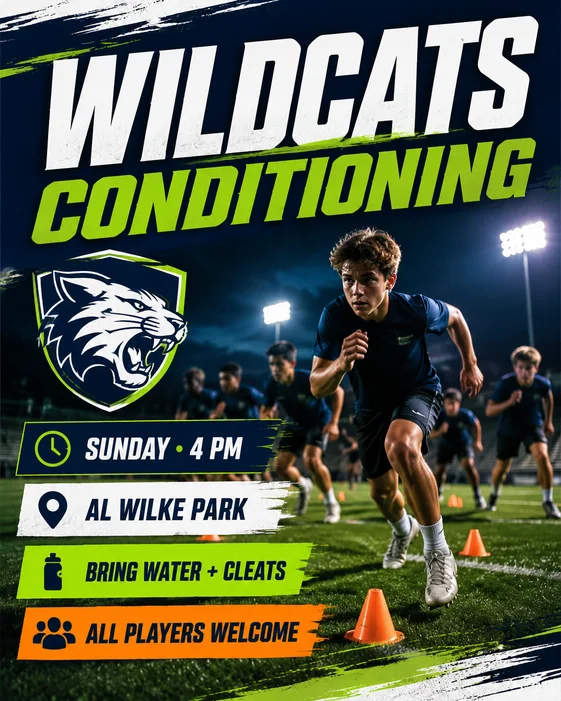
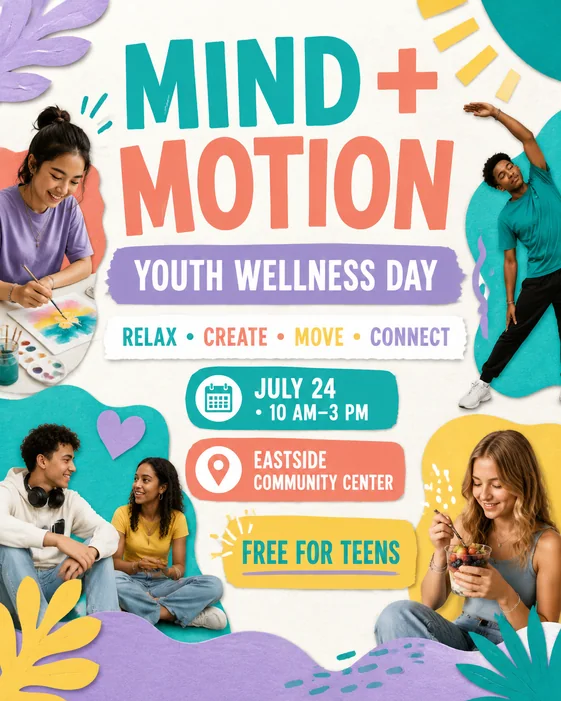
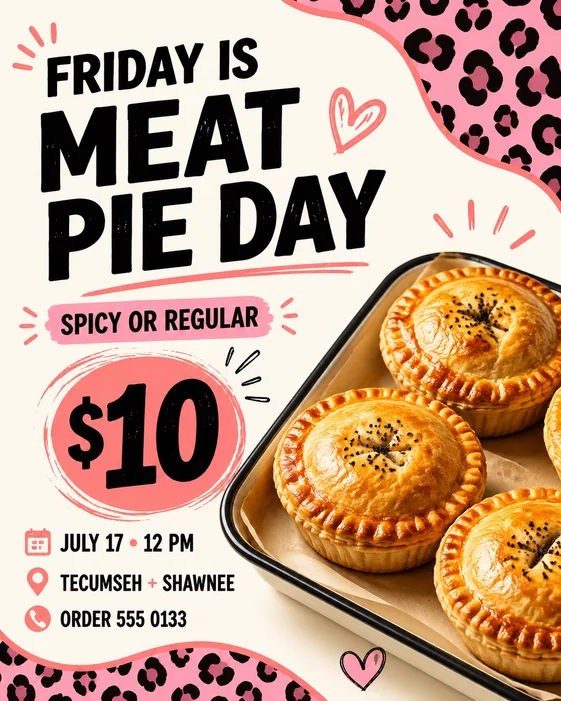
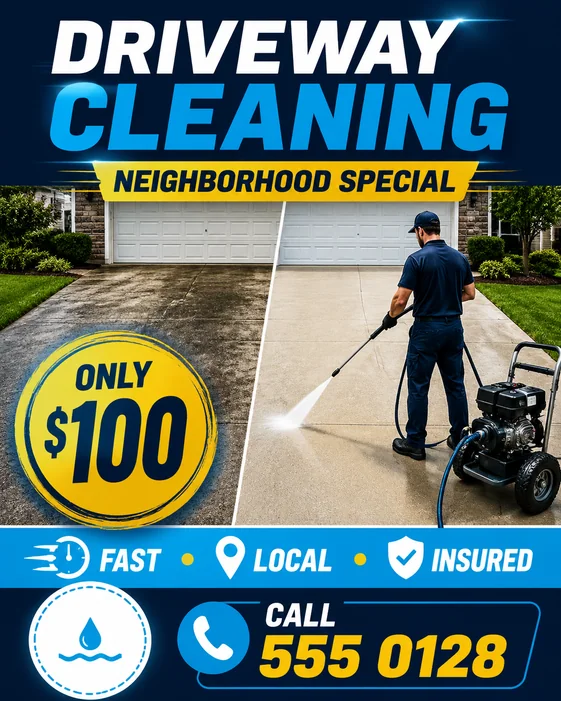
Describe your event, offer, or announcement, including the headline, date, location, and style you want. The AI flyer generator creates a design from your instructions. You can then request changes through chat and download your flyer.
Yes. Start with a written idea or upload a reference image. Our AI flyer creator can generate a design from your brief, so you do not need to choose a template first. Flyer templates are also available when you want a starting point.
Yes. AI FlyerMaker offers a limited free trial. If you create something you want to keep, you can unlock that eligible result with a one-time purchase, or choose a monthly or annual plan for ongoing use.
Include the purpose, exact text, audience, colors, and format. For example: "Create a portrait flyer for a neighborhood plant sale. Headline: Spring Plant Sale. Date: May 10, 10 AM–2 PM. Venue: Community Hall. Plants from $5. Use green and cream, a large headline, and a clear date and location." Replace the sample details with your own and review the generated text before sharing.
Yes. Upload a flyer or start with one you generated, then describe the changes you want, such as a new date, price, headline, or color. AI FlyerMaker revises the image through chat, rather than editing separate text boxes or layers. Check the wording and layout after each revision.
Yes. Use the flyer maker in your mobile or desktop browser without installing a design app. Describe your idea, optionally upload a photo or logo, generate a draft, and request changes in the same conversation.
Free image downloads include an AI FlyerMaker watermark. An active subscription unlocks watermark-free HD downloads for all your images, while a one-time purchase unlocks the current image in HD without a watermark.
Commercial use is included with eligible paid plans and purchases, subject to our Terms. You are responsible for having the rights to your inputs and reviewing generated content before publishing or distributing it.
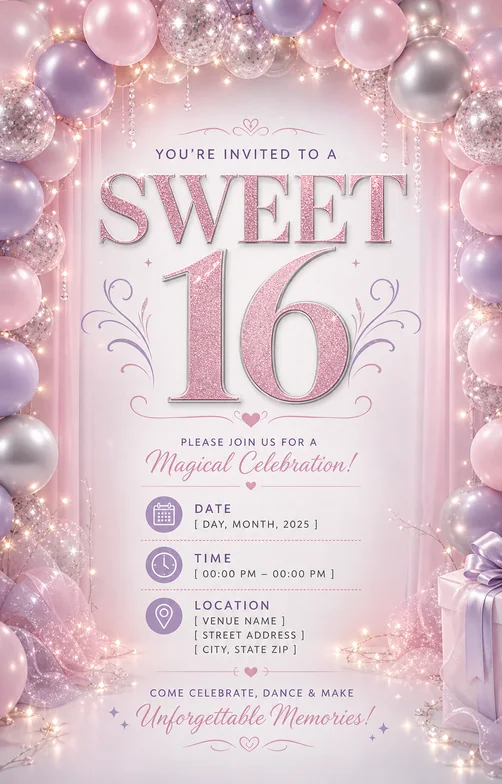
Design birthday, club night, dinner, and celebration flyers with exact event details.
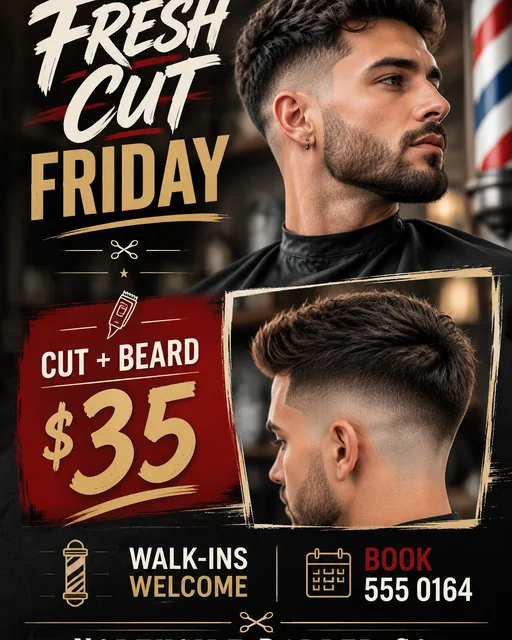
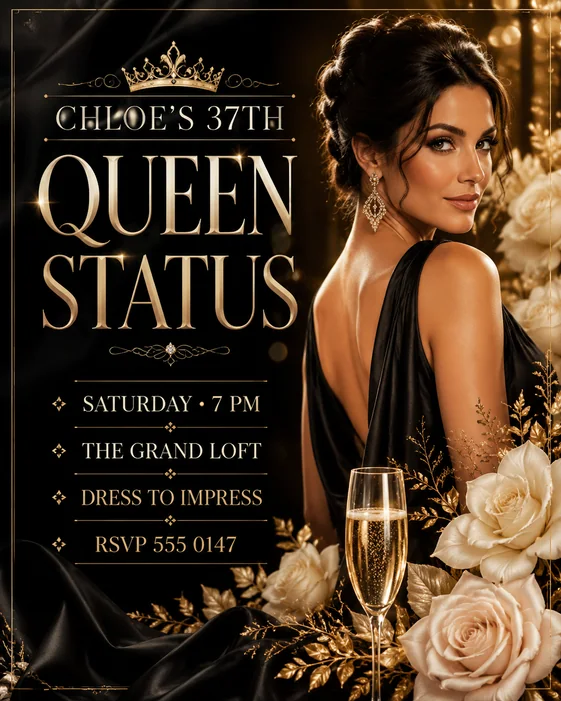
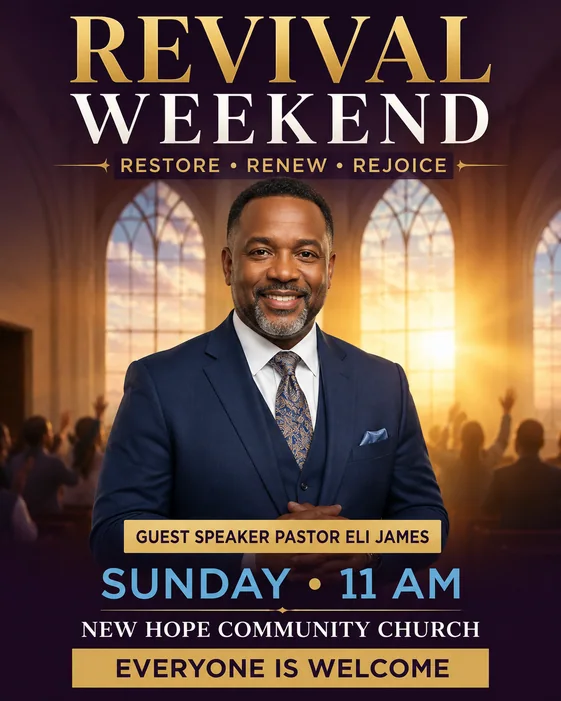
Generated flyers can be exported as PNG or JPEG. Available resolution options depend on the selected workflow and plan.
AI FlyerMaker shows the credit cost before you create. Monthly and annual plans include recurring credits, while eligible one-time purchases let you unlock an individual result without subscribing.
Yes. You can cancel anytime. Your paid access will remain active until the end of the current billing period, and you will not be charged for the next one.
Explore three existing template designs, see their starting prompts, and learn which details to replace for your own business, event, or party.
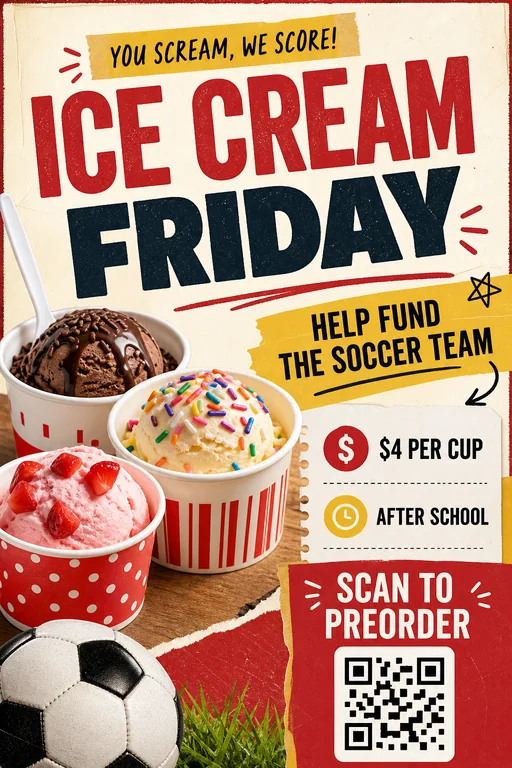
Lead with your food, make the offer easy to scan, and give customers a clear way to order.
See prompt & stepsIntroduce the event, highlight the activities, and keep the date and venue together.
See prompt & steps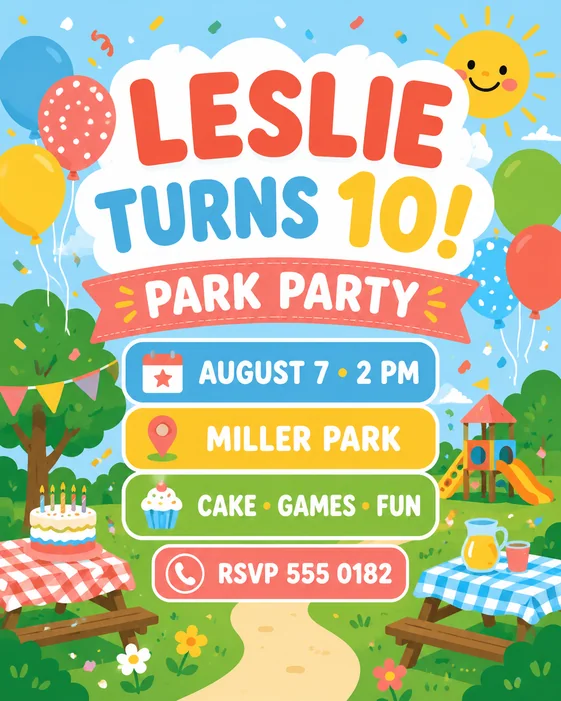
Start with the birthday headline, then make the party location and RSVP details easy for parents to find.
See prompt & steps