
Step 1 of 3
Describe your flyer
On your phone or desktop, enter what the flyer should promote. Add the audience, headline, key details, call to action, and any logo, photo, or reference image you want the design to follow.
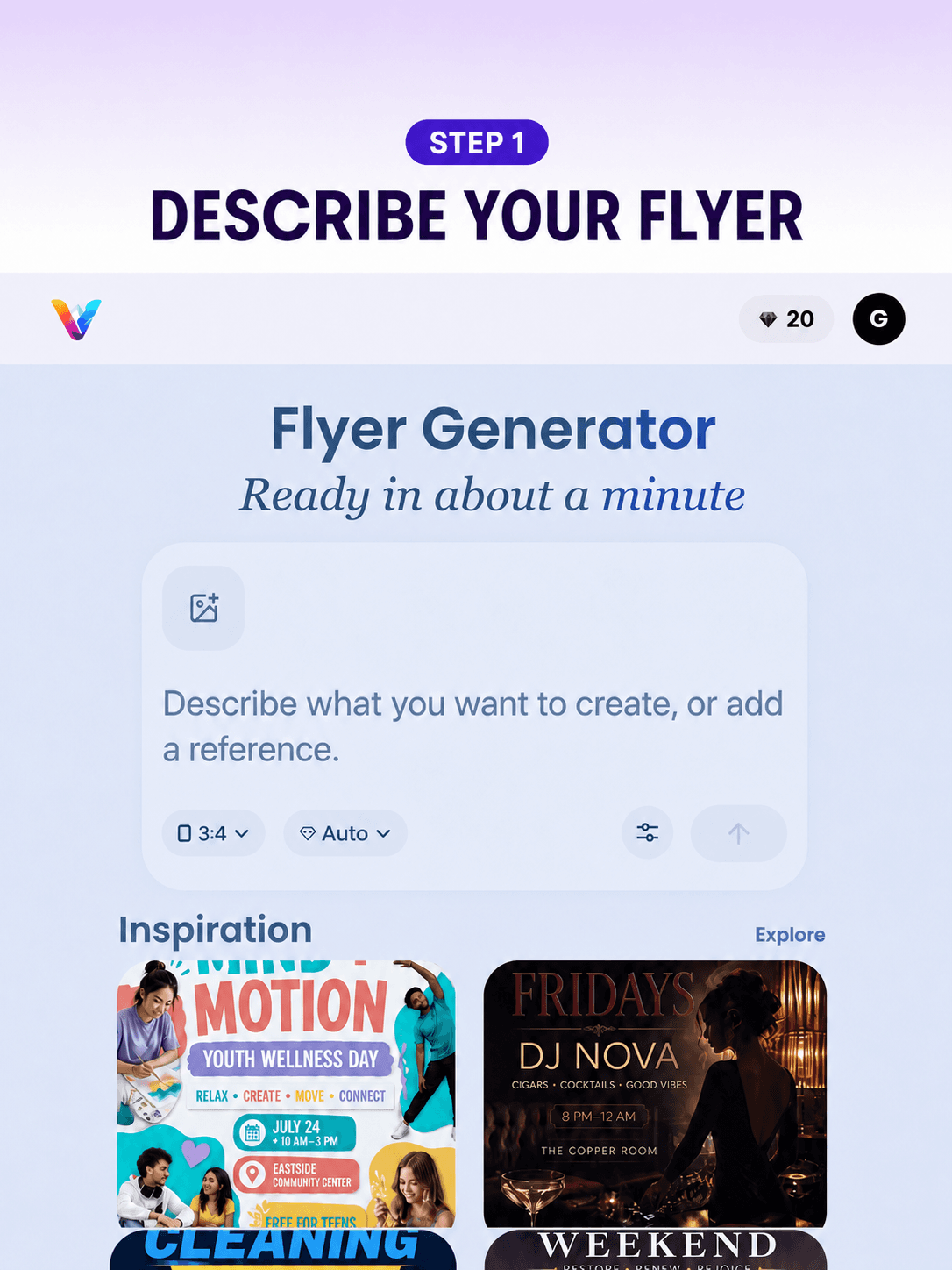
Create a flyer from your text or reference image. Generate AI flyers for your business or event, then refine the design in chat. Free to try.
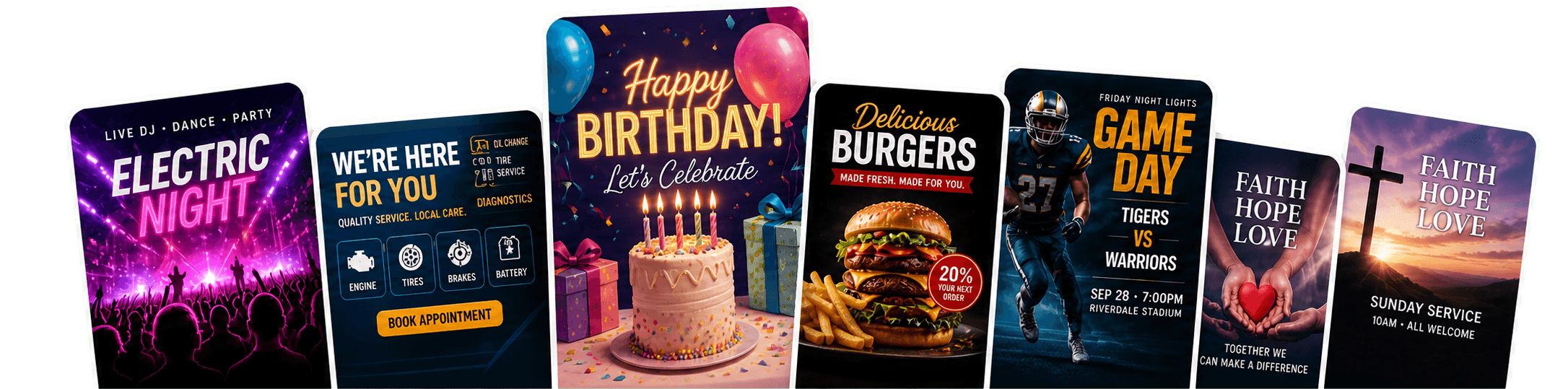
AI design in action
Generate your first draft in about one minute, then tell AI what to change—no design skills needed.
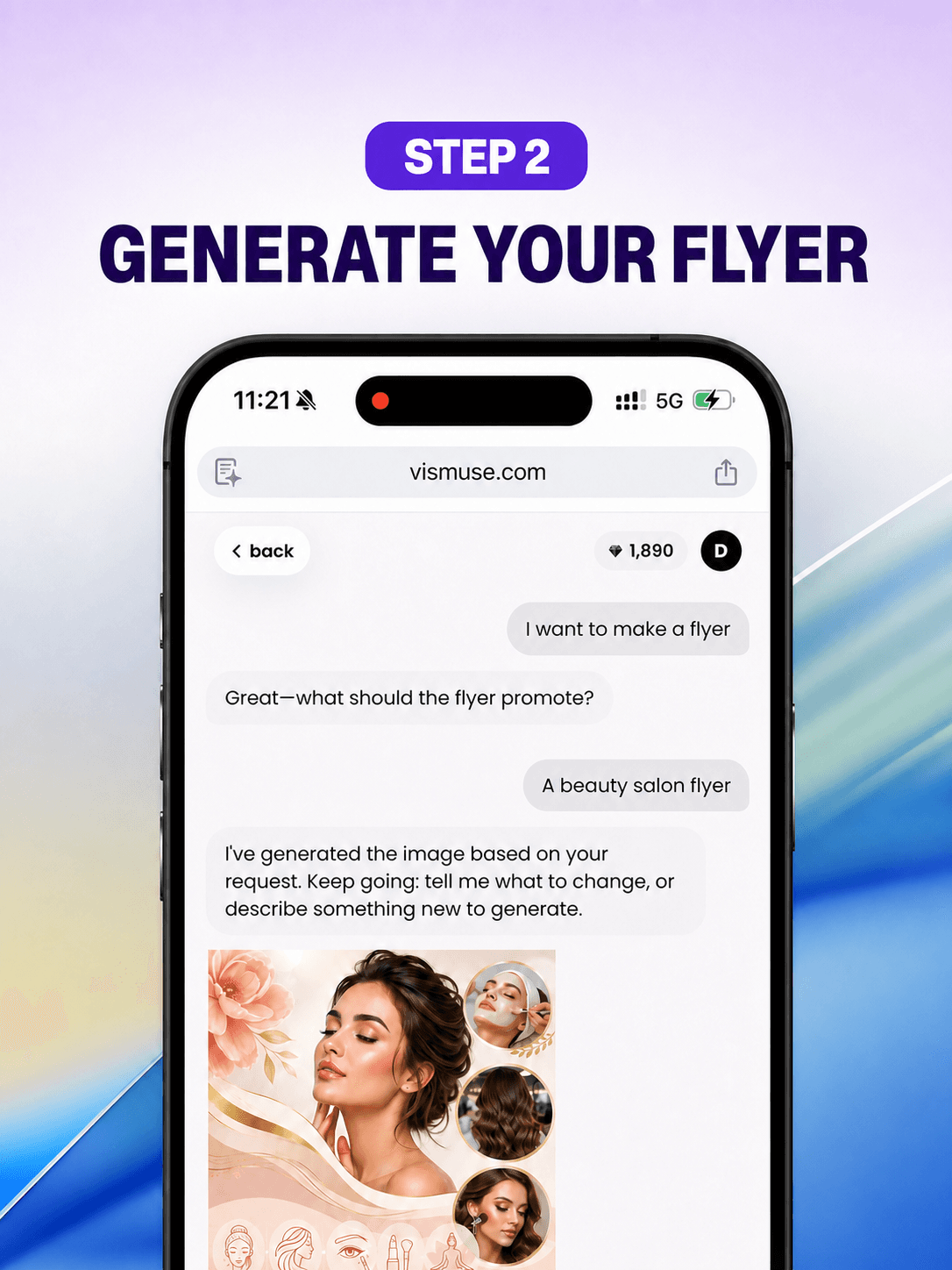
On your phone or desktop, enter what the flyer should promote. Add the audience, headline, key details, call to action, and any logo, photo, or reference image you want the design to follow.
Review the first result in chat, then ask to change the text, layout, colors, images, or visual emphasis. There is no canvas to manage and no need to rearrange layers on a small screen.
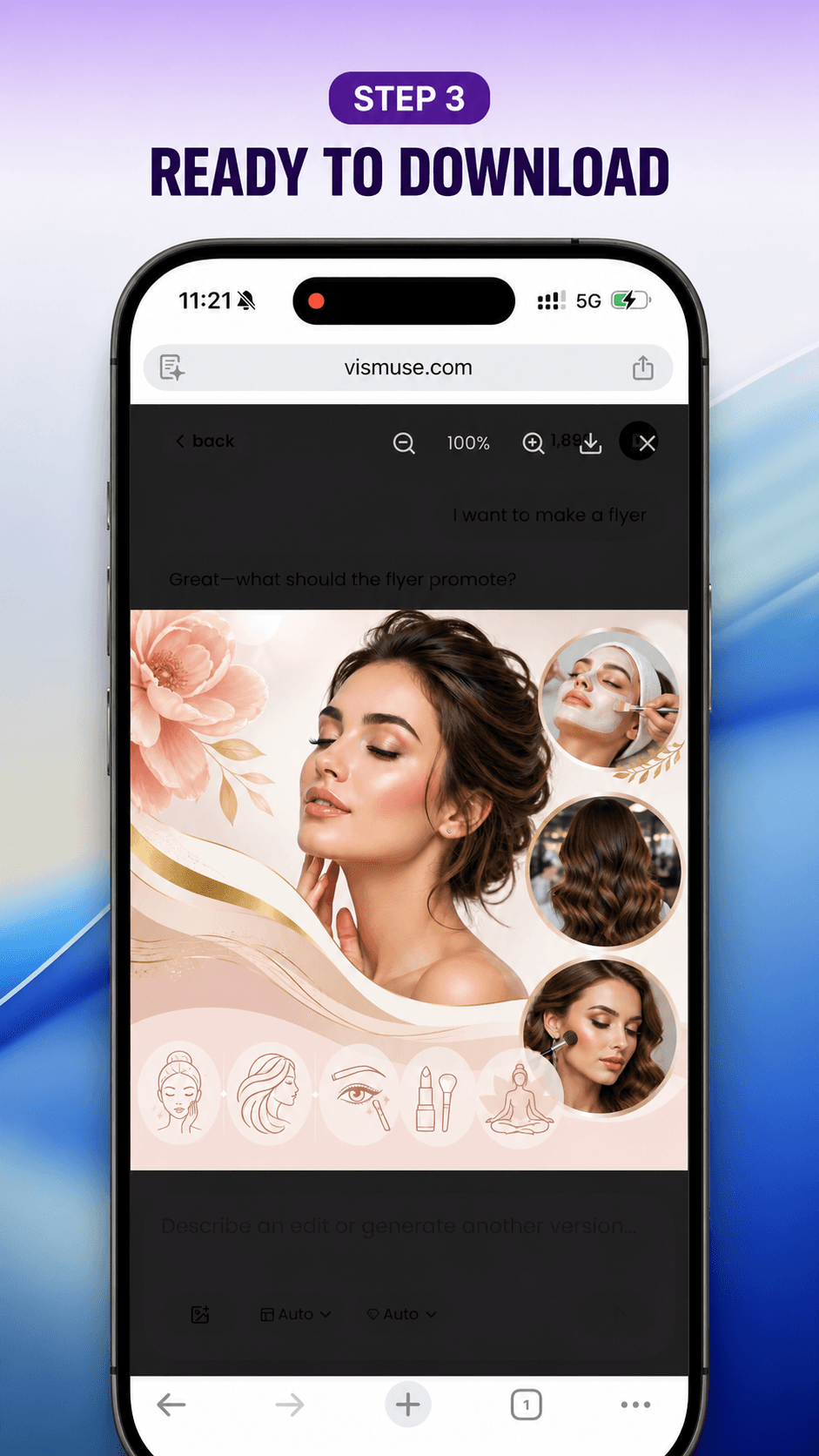
Download the finished flyer as PNG or JPG. Eligible original results can also be exported as a PDF at the generated image’s aspect ratio for sharing and print preparation.
Choose the right workflow
AI FlyerMaker is a chat-based flyer maker for people who would rather describe a change than arrange layers. That makes it practical in a mobile browser as well as on desktop. Traditional editors such as Canva or Adobe Express are a better fit when direct element control matters most.
| Task | AI FlyerMaker | Traditional editors |
|---|---|---|
| Starting point | Describe the goal, audience, details, and visual direction. | Choose a template or start on a canvas. |
| Making changes | Ask for an outcome: a clearer date, simpler layout, new image, or stronger offer. | Select and adjust text, images, colors, and layers directly. |
| Precise control | Best for creative direction and natural-language revisions. | Best for pixel-level placement and detailed layer control. |
| Using it on a phone | Describe, review, revise, and download without managing layers on a small screen. | Dragging, resizing, and aligning individual elements can require more screen space. |
| Flyer sizes | Choose a supported aspect ratio, then state the print or social destination so AI can design for those proportions. | Select an exact canvas preset and manually adapt the layout for each size. |
| Download formats | Download PNG or JPG; eligible original results can also be exported as PDF at the generated aspect ratio. | Export using the editor’s available image and print presets. |
Start by describing what the flyer is for and who it needs to reach. Include the headline, date, time, location, offer, contact information, and call to action. You can also add a visual style or reference image. Generate a first draft, then ask AI FlyerMaker to make any changes in chat.
You can create flyers for events, parties, business promotions, restaurant offers, real estate listings, open houses, fundraisers, classes, sports, sales, and community announcements.
Yes. Tell AI FlyerMaker what you’d like to change, such as the text, colors, layout, images, or visual emphasis. AI FlyerMaker generates a finished image, so these revisions are made through chat rather than by selecting independent text boxes and layers on a canvas.
Yes. Upload a logo, product photo, portrait, or other reference image with your brief and explain how it should appear. For example, ask AI FlyerMaker to preserve your logo, use a supplied photo as the main visual, or follow the colors and style of a reference.
Yes. AI FlyerMaker works in your mobile browser, so there’s no complicated canvas to manage on a small screen. Describe your flyer, review the result, request changes in chat, and download the finished image directly to your phone.
Yes. You can start a limited free trial and generate without signing in or entering a credit card. If you make a flyer you want to keep, you can unlock that eligible flyer with a one-time purchase or choose a plan for ongoing use.
Create a Friday dinner flyer for a local restaurant: $25 fried fish, two sides, a drink, and a roll. Use black, red, cream, and gold.
I've generated the first draft. Tell me what you want to change.

Make the $25 offer the main focus, simplify the layout, and make the phone number easier to scan.
Done — I updated the design based on your feedback.

| Best fit |
|---|
| You know what the flyer should achieve but do not want to build the layout manually. |
| You already know the exact layout and want to control every element. |
Most first drafts are ready in about one minute. More complex requests, multiple reference images, or higher service demand may take longer. Follow-up edits create a new result and require additional generation time.
Flyers downloaded through the free trial include an AI FlyerMaker watermark. With an active subscription, you can download all your images in HD without a watermark. A one-time purchase unlocks an HD, watermark-free download of the current flyer only.
For print, choose a portrait proportion such as 3:4 or 2:3 and tell AI FlyerMaker the intended paper or handout use. For social media, use square or 4:5 for feed posts and 9:16 for Stories. Current exports preserve the generated image’s aspect ratio rather than creating an exact A4 or US Letter page, so confirm final sizing with your printer.
Yes. Free downloads include a watermark; eligible paid or unlocked originals can be downloaded in HD as PNG or JPG and exported as PDF. The PDF preserves the generated image’s aspect ratio and does not automatically add printer bleed or crop marks, so confirm the exact dimensions, resolution, bleed, color requirements, and file format with your printer.
Commercial use is included with eligible paid plans and purchases, subject to our Terms. Make sure you have the rights to any images or other materials you upload, and review the finished flyer before publishing or distributing it.


